Kling 4.0 announced Sep 28 · full launch in October

Kling 4 —
AI Video Generator for Cinematic Clips

Kling 4 AI video generator for text-to-video and image-to-video with native audio, running the newest Kling engine open to third-party sites. Kling 4.0 goes live here the day its API opens.

  • Kling 4.0 announced
  • Up to 30s · 4K HDR
  • Native stereo audio
  • Free credits to start

Kuaishou Kling AI model overview

What Is Kling 4 (Kling 4.0)?

Kling 4, officially written Kling 4.0, is the latest generation of Kuaishou's Kling AI video model family. It follows Kling 1.0 (June 2024), the 2.x series and Kling 3.0, and Kuaishou announced it on September 28, 2026. The Kling 4 AI model generates video from text, images and reference clips, and the lineup also includes a lighter Flash version built for fast, frequent work.

The official specifications: 3-30 second clips at 720p, 1080p or 4K, 10-bit HDR on the 1080p and 4K tiers, up to 10 keyframes, two-channel stereo audio with lip sync across nine languages and a range of accents, prompts up to 8,000 tokens, and omni reference that accepts up to 15 items in total, including up to 10 images and 5 reference videos. Flash renders 3-20 second clips at 720p. Video extension to two minutes is listed as coming soon. The full launch is set for October; Flash opened to limited early access on September 28.

Kling 4.0 clip: a dragon perched on a crag above a burning medieval city

Kling 4 AI Release Status & Specs

Developer
Kuaishou · Kling AI
Status
Announced, launching October
Clip length
3-30 seconds
Resolution
Up to 4K, 10-bit HDR
Keyframes
Up to 10 per video
On this site
Latest engine now, Kling 4 AI at launch

Capabilities

Kling 4 AI Video Generator Features

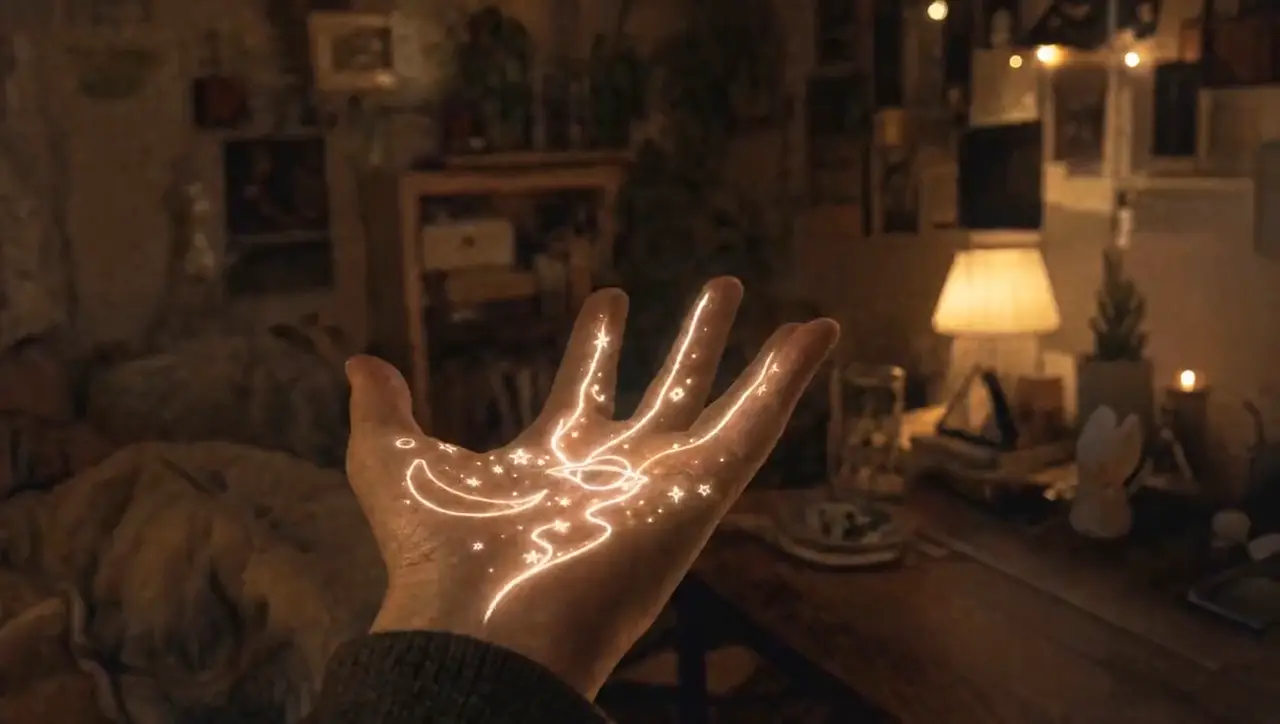
A glowing sprite drawn in light swirls around a cozy bedroom at night
01

Kling 4 Text to Video

Describe a shot in plain English: subject, action, camera move, lighting and sound. The generator turns it into a cinematic clip in minutes and follows long, multi-part prompts closely. The next model is reported to add longer shots and finer camera control.

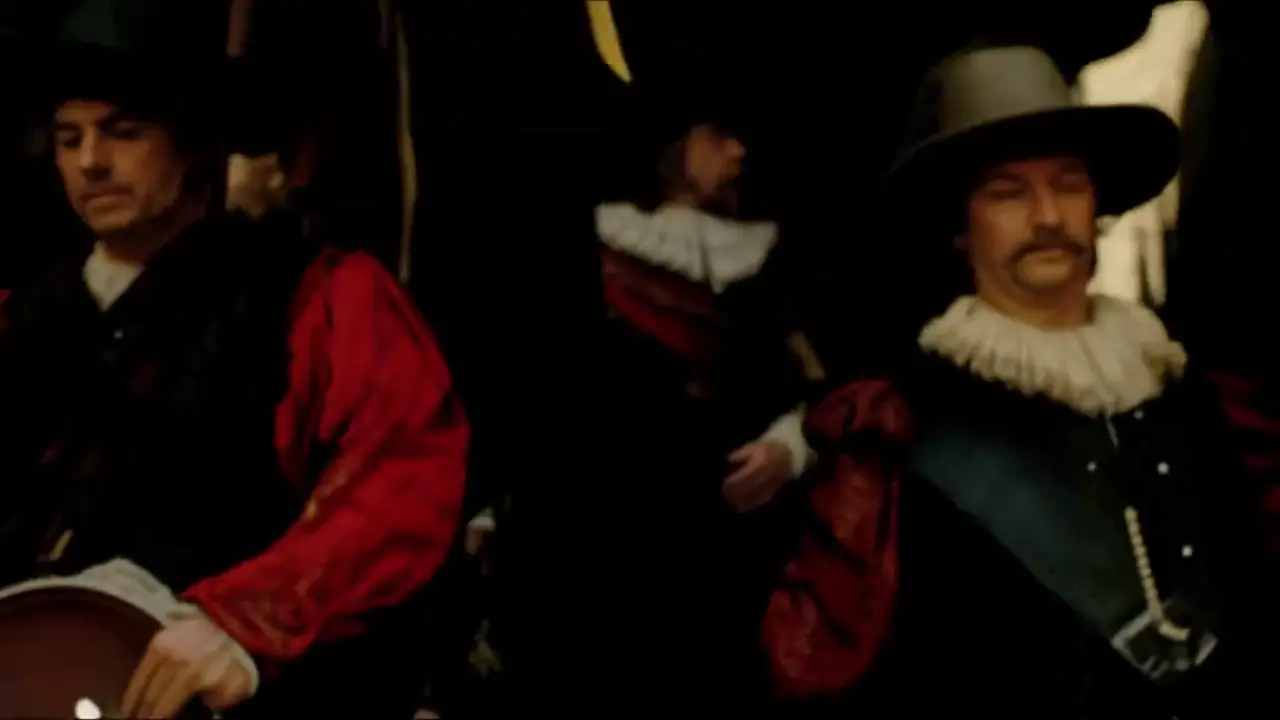
Rembrandt's The Night Watch militia scene brought to life as moving video
02

Kling 4 Image to Video

Upload a product photo, portrait or storyboard frame and use it as the first frame. The model animates the scene while keeping faces, logos and composition locked to your image, which is ideal when the look is already approved and you only need motion.

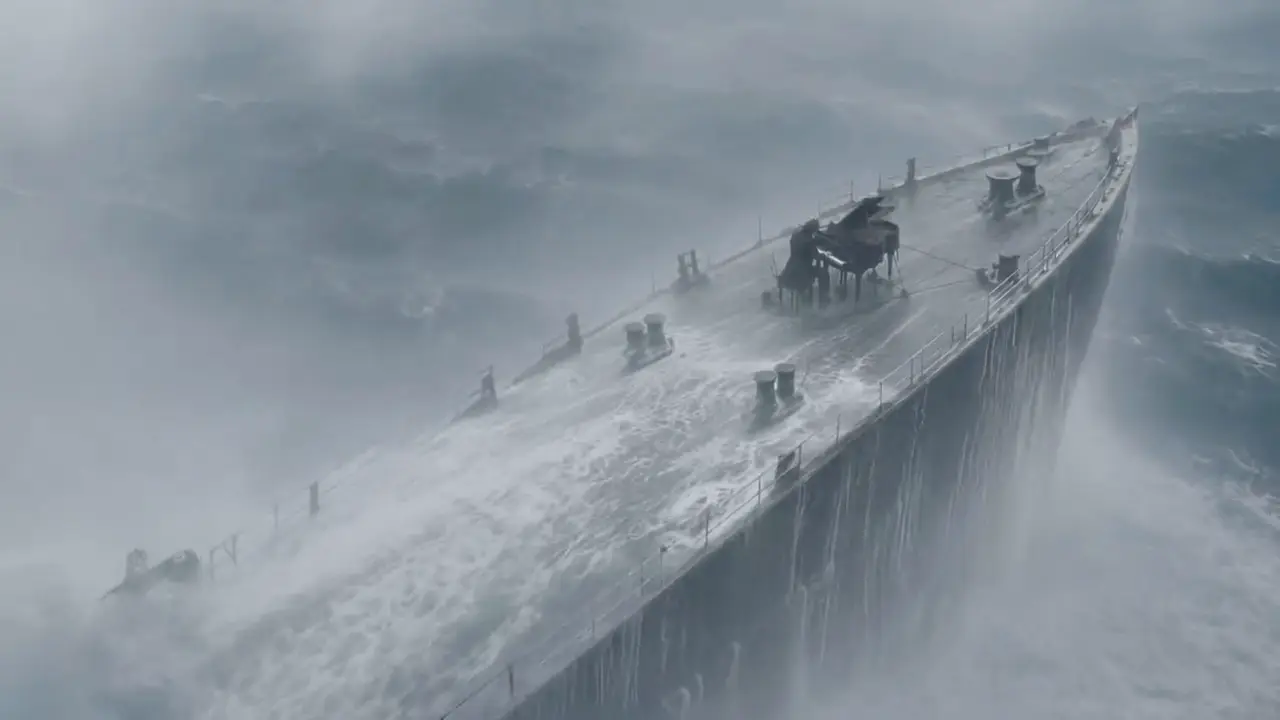
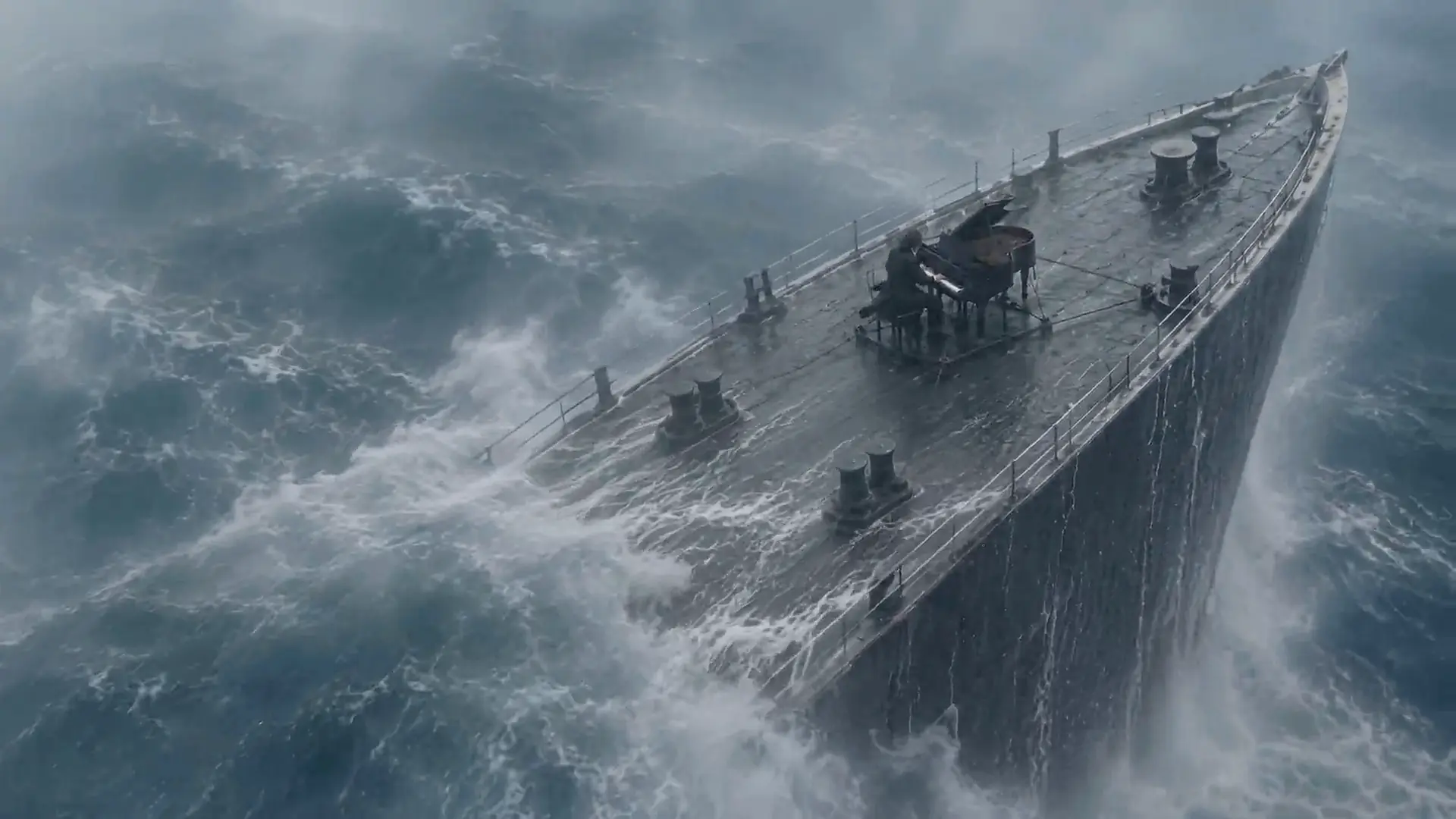
A ship ploughing through a storm with a grand piano on deck, played by a soaked pianist
03

Multi-Keyframe Storyboards

The Kling 4 AI model accepts up to 10 keyframe images, so you set the exact beats a shot has to hit instead of rerolling a whole clip. First-and-last-frame control is supported too, and clips run up to 30 seconds natively, long enough for a complete action rather than a fragment.

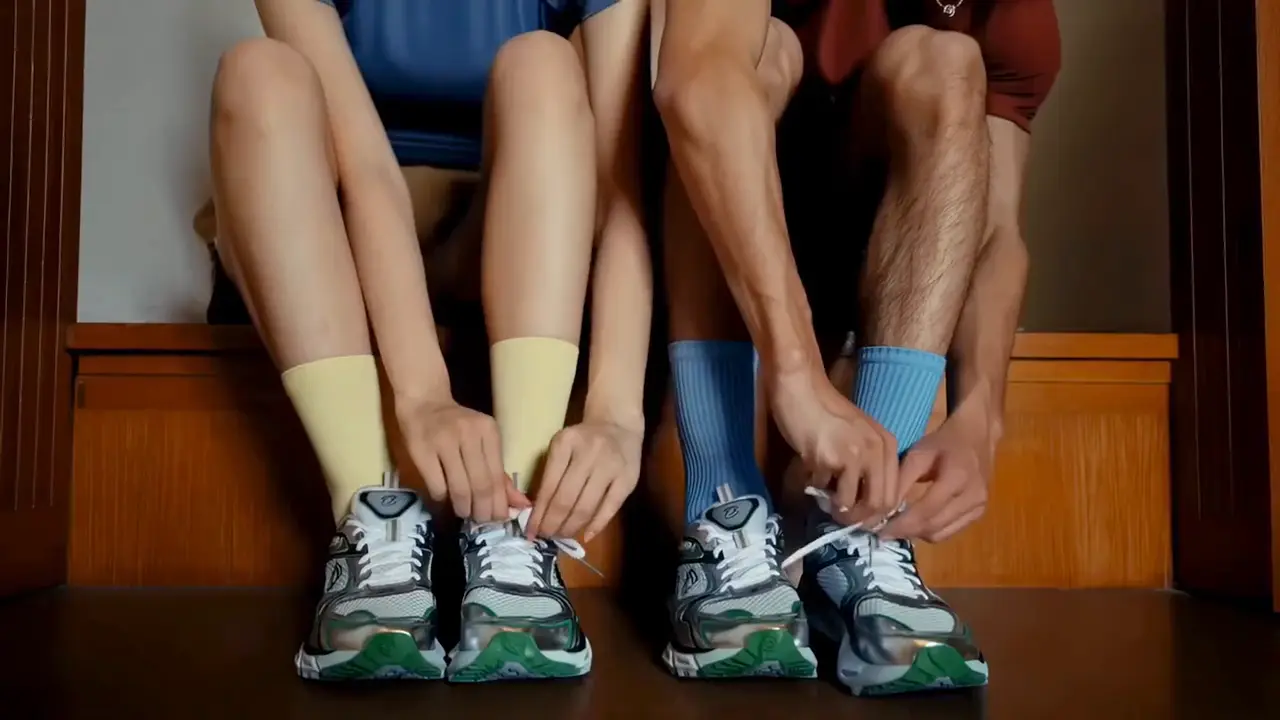
The same couple walking a city street, running through a forest and standing by a mountain lake
04

Omni Reference: Images, Video & Voice

Omni reference takes up to 15 items in one prompt: up to 10 images, up to 5 reference videos totalling 30 seconds, voice references and up to 7 subjects. Use them to lock a face, an outfit, a camera language or a performance rhythm. Upload only media you are allowed to use.

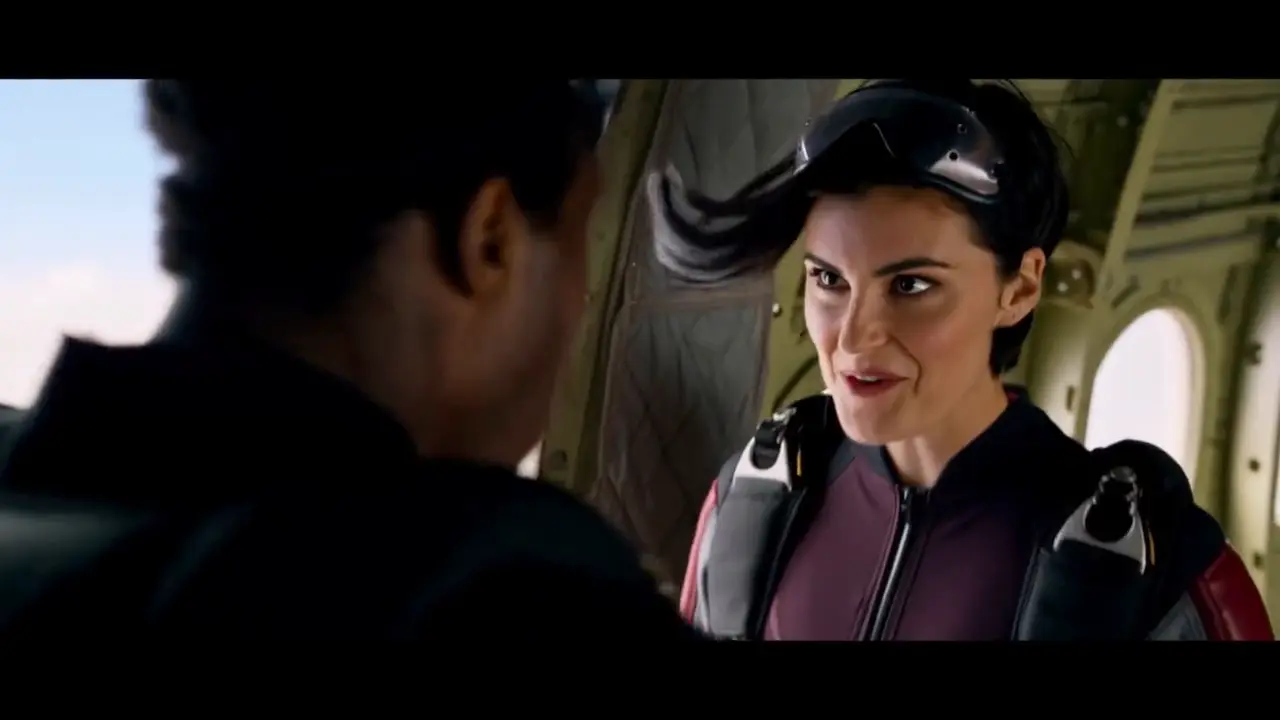
Kling 4.0 clip: a skydiver in a helmet talks to her partner at the open door of a plane before the jump
05

Native Audio, Lip Sync & On-Screen Text

Two-channel stereo audio is generated with the picture, with lip sync across Chinese, English, Japanese, Korean, Spanish, Portuguese, German, French and Indonesian, plus regional accents. It also renders readable on-screen text and emoji in those languages, which earlier generations struggled to keep stable.

4.0 vs 3.0

Kling 4.0 vs Kling 3.0: What the Upgrade Changes

A planning comparison, not a benchmark. Every figure comes from Kling's own release notes and API docs, checked on September 29, 2026. The Kling 4 AI model was announced on September 28 and launches in full in October.

FeatureKling 4.0Kling 4.0 FlashKling 3.0Kling 3.0 Turbo
Release statusAnnounced, Oct 2026Early access, Sep 28Live, Feb 2026Live, Jun 2026
Clip length3-30s3-20s3-15s3-15s
Max resolution4K, 10-bit HDR720p, 8-bit SDRNative 4K1080p
Keyframe controlUp to 10 keyframes—Start & end frame—
Omni referenceUp to 15 itemsYesImages or a video—
Native audioStereo, 9 languagesYesYes, 5 languagesAlways on
Prompt length8,000 tokens8,000 tokens2,500 chars2,500 chars
Video extensionUp to 2 min, coming soon———
Aspect ratios21:9 to 9:1621:9 to 9:1616:9, 9:16, 1:116:9, 9:16, 1:1
Available hereAt API launchAt API launchYesYes

Bottom line: Kling 3.0 is what you can generate through the API today, and it already gives you native 4K and native audio. The Kling 4 AI upgrade is about length and control: 30-second clips, 10 keyframes, 15 reference items and 10-bit HDR. Prompts you refine now carry straight over to it.

Workflow

How to Use Kling 4 AI Online in 3 Steps

No app to install and no waitlist for the current engine. Open kling4.io in any desktop or mobile browser and go from idea to download in three steps.

  1. 01

    Write a Prompt or Upload an Image

    Choose Text to Video or Image to Video. Lead with the subject, then add the action, camera move, lighting and sound. For image-to-video, upload a sharp JPG, PNG or WebP.

  2. 02

    Set Length, Ratio & Audio

    Pick the duration, resolution and aspect ratio: 16:9 for YouTube, 9:16 for TikTok and Reels, 1:1 for feeds. Switch native audio on or off. The exact credit cost appears before you generate.

  3. 03

    Generate & Download Your Kling 4 AI Video

    Most clips render in one to three minutes. Preview the result, download the MP4 and reuse the prompt to iterate. If a render fails, your credits are refunded automatically.

Use cases

What You Can Create with Kling 4 AI

A 15-second product ad used to mean a studio, a crew and a week of edits. Many AI tools cut the cost but break the shot: faces drift, hands melt, audio is missing. Kling models are built for exactly those weak spots, so one prompt here can become a clip you can publish.

Glass perfume bottle on wet black stone with water splashing around it

E-commerce Product Videos

Turn a single packshot into a rotating hero shot, an unboxing or a lifestyle scene. Test three ad angles for Amazon, Shopify or TikTok Shop before paying for a photo shoot, then keep the winner.

A samurai standing among falling cherry blossoms at dawn

Short Films & Storyboards

Block scenes, test camera moves and pitch a mood before the shoot. Multi-shot generation keeps characters consistent between cuts, so a storyboard reads like a sequence rather than a mood board.

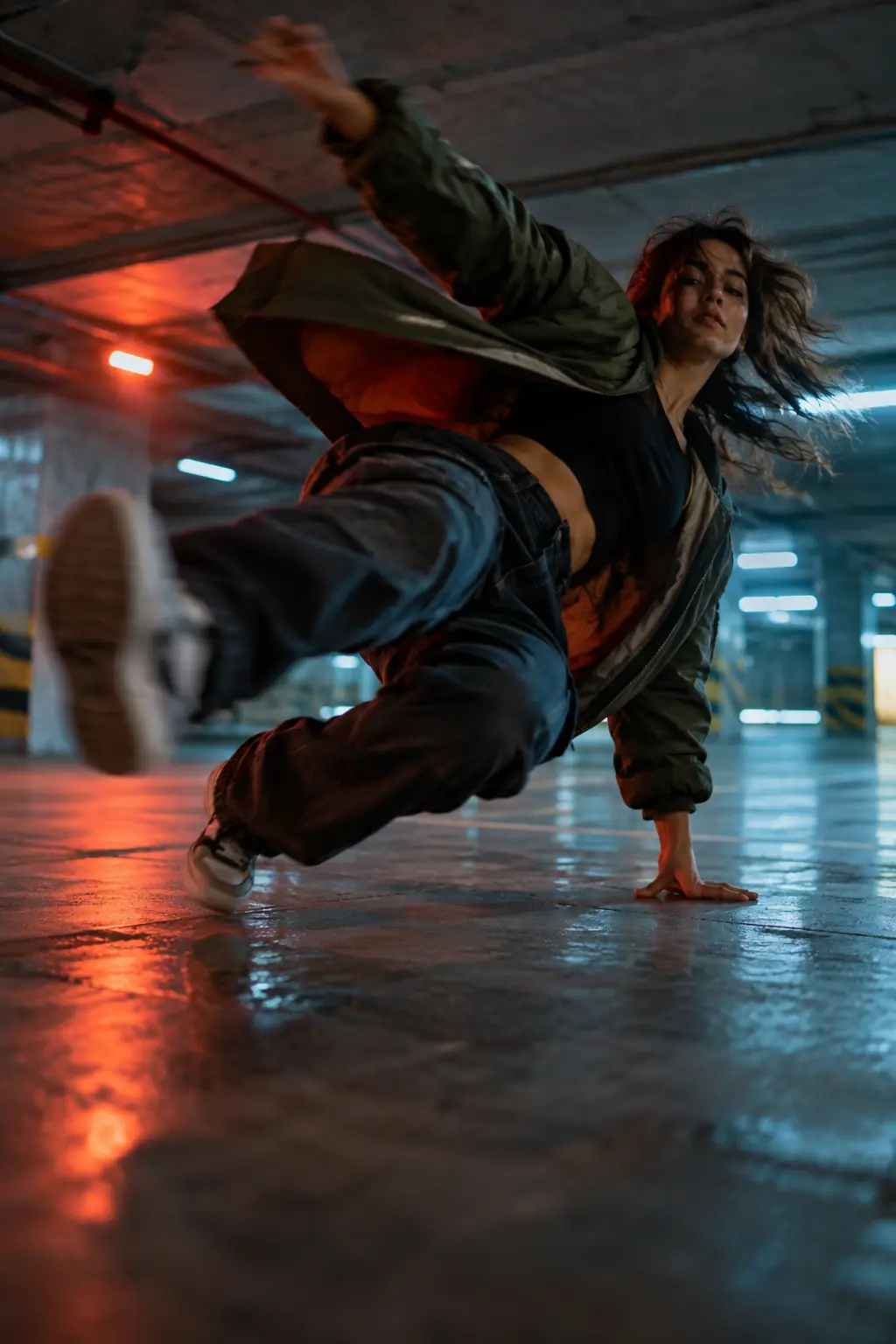
A street dancer mid-move under neon light at night

Ads & Social Media Clips

Batch vertical 9:16 hooks for TikTok, Reels and YouTube Shorts, with voice and sound in the same render. Generate several variations, publish the strongest and iterate on the prompt the same day.

An astronaut walking through a red dust storm on Mars

Education & Explainers

Animate history scenes, science concepts and product tutorials that would be slow or expensive to film, and add narration in your audience's language with native audio.

Kling 4 AI Pricing: Free Credits, Plans & Packs

Start with free credits, then choose a monthly plan or a one-time credit pack. Every option shows how many seconds of video it covers before checkout, failed renders are refunded, and credits you buy today will work with the new model at launch.

🔥 LIMITED TIME: Save up to 50%

Choose Subscription Plan

Basic

Perfect for individuals and light users

$15.00/mo

Billed monthly · cancel anytime

INCLUDES

  • 400 credits / month
  • ~43 seconds of AI video
  • ~8 clips (5s, native audio)
Video cost:$0.35/sec
MOST POPULAR

Pro

For professional creators and teams

$39.00/mo

Billed monthly · cancel anytime

INCLUDES

  • 1200 credits / month
  • ~130 seconds of AI video
  • ~25 clips (5s, native audio)
Video cost:$0.30/sec

Max

Designed for large enterprises and professional studios

$160.00/mo

Billed monthly · cancel anytime

INCLUDES

  • 5500 credits / month
  • ~597 seconds of AI video
  • ~117 clips (5s, native audio)
Video cost:$0.27/sec

To cancel your subscription, please contact support: support@kling4.io

FAQ

Kling 4 AI FAQ

Straight answers about the release date, official specs, pricing and this independent site.

Kling 4 AI, officially called Kling 4.0, is the latest video model from Kuaishou's Kling AI, announced on September 28, 2026 as the successor to Kling 3.0. It turns text prompts, images and reference clips into video up to 30 seconds long, at up to 4K with stereo audio. kling4.io is an independent site that tracks the model and lets you create with the newest Kling engine available through the API.

Kuaishou announced the Kling 4 AI model on September 28, 2026 and says the full version launches in October. Kling 4.0 Flash opened to a limited group of early-access users that same day. No exact October date has been published yet, and third-party API access has not been announced, so we update this page as those land.

Not yet. The model was only just announced and its API is not open to third-party platforms, so today the generator runs the newest Kling engine that is, and every clip is labeled with the model that made it. When Kling 4 AI access opens, it appears in the model picker and your existing credits work with it.

No. kling4.io is an independent third-party platform and is not affiliated with, endorsed by or operated by Kuaishou or Kling AI. For official news and the official app, visit kling.ai or klingai.com.

Officially: clips grow from 15 to 30 seconds, keyframe control goes from first-and-last-frame to 10 keyframes, omni reference takes up to 15 items (10 images, 5 videos, voice and subjects), prompts go up to 8,000 tokens, 1080p and 4K gain 10-bit HDR, 21:9 is added, and text generation plus lip sync cover nine languages. Video extension to two minutes is listed as coming soon.

Yes. Kuaishou's official name is Kling 4.0; Kling 4, Kling V4, Kling AI 4 and Kling 4 AI all refer to the same model. Flash is the separate, lighter version in the same lineup: 3-20 second clips at 720p, built for fast, frequent work.

You start free: sign up with Google to receive free credits, and daily check-ins add more. After that, plans start at $15 per month, or you can buy a one-time credit pack. Failed generations are refunded in credits automatically, and the exact credit cost of every clip is shown before you generate.

You don't need one. The site runs in any mobile or desktop browser, and you can add it to your home screen like an app. The official Kling AI app from Kuaishou is a separate product, and its credits are not shared with this site.

The lineup has two members: the full Kling 4 AI model and the lighter Flash version. Flash trades resolution and length (720p, 3-20 seconds, 8-bit SDR) for speed and lower cost. Earlier Kling generations offered a Standard and a higher-quality Professional (Pro) mode, which is where the name Kling 4 Pro comes from; Kuaishou has not announced Pro tiers for this generation. Here, Pro is also the name of our most popular monthly plan.

Yes. Under our Terms of Service you can use the videos you generate for personal and commercial work, subject to the model provider's usage policies, as long as your prompts and uploads don't infringe anyone's rights.

Start Creating with Kling 4 AI Today

Write one clear scene, choose text-to-video or image-to-video, and judge picture and sound together. You start with free signup credits, they carry over to the Kling 4 AI model at launch, and there is nothing to install.

View pricing