01
Kling Text to Video
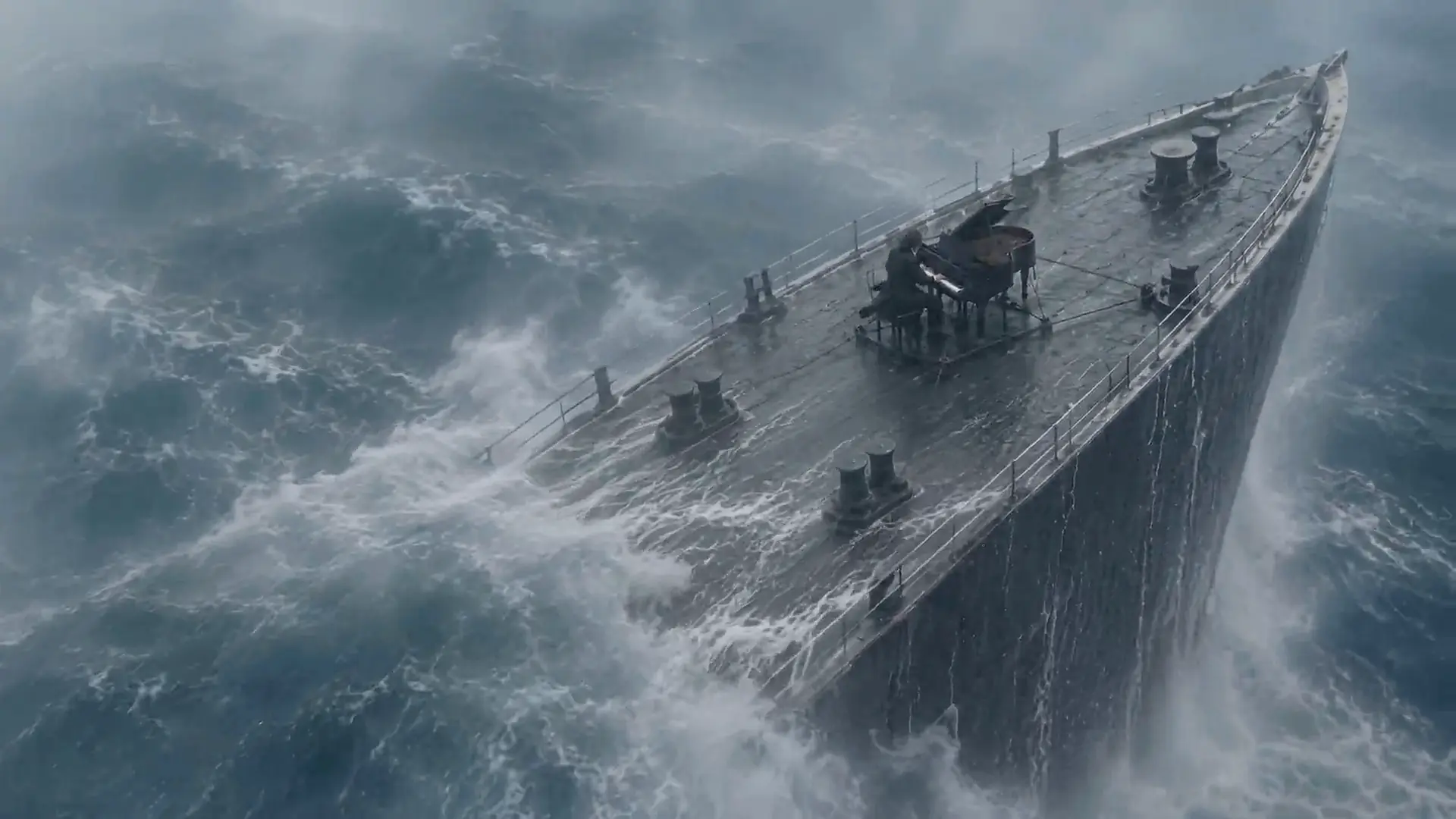
Describe the subject, action, camera move and lighting, then select one of the five Kling models. The generator shows the supported settings and credit charge before you submit.
Create videos with Kling 4.0, 3.0 Turbo, 3.0, 2.6 or 2.5 Turbo. Start with Kling 4.0 at 720p for 5 seconds, then choose the model and settings that fit your project. Credits are shown before you generate.
Real Kling models, one workspace
Kling4.io is an independent video workspace with real Kling 4.0, Kling 3.0 Turbo, Kling 3.0, Kling 2.6 and Kling 2.5 Turbo models, accessed through third-party APIs. Choose text-to-video or image-to-video; Reference to Video is available with Kling 4.0.
The generator starts with Kling 4.0 at 720p for 5 seconds, costing 129 site credits. Kling 4.0 supports 3-30 seconds at 720p or 1080p here, with up to three reference images or start/end frames. The other models have their own duration, resolution and audio options. These are the settings offered on this site, rather than the full capabilities of every Kling product.

Capabilities
Describe the subject, action, camera move and lighting, then select one of the five Kling models. The generator shows the supported settings and credit charge before you submit.

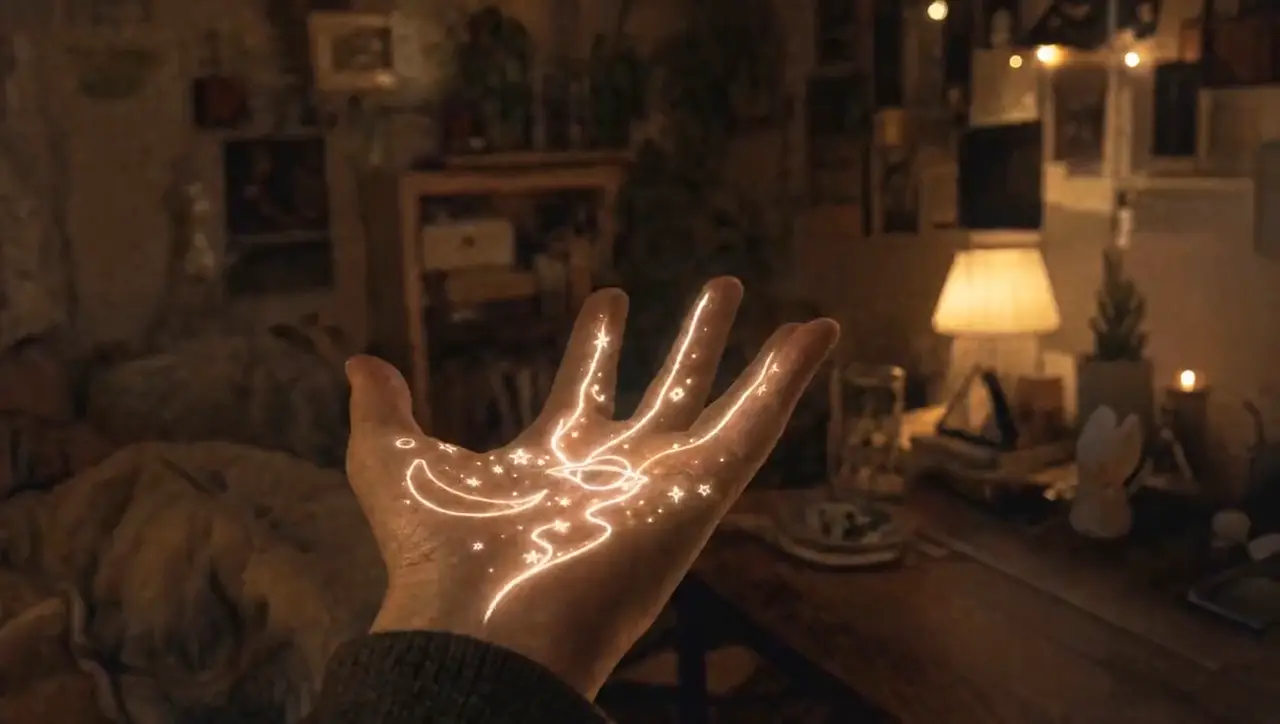
Use an image as the opening frame and describe the motion you want. Upload formats and available controls follow the selected model; the output aspect ratio follows your start image.
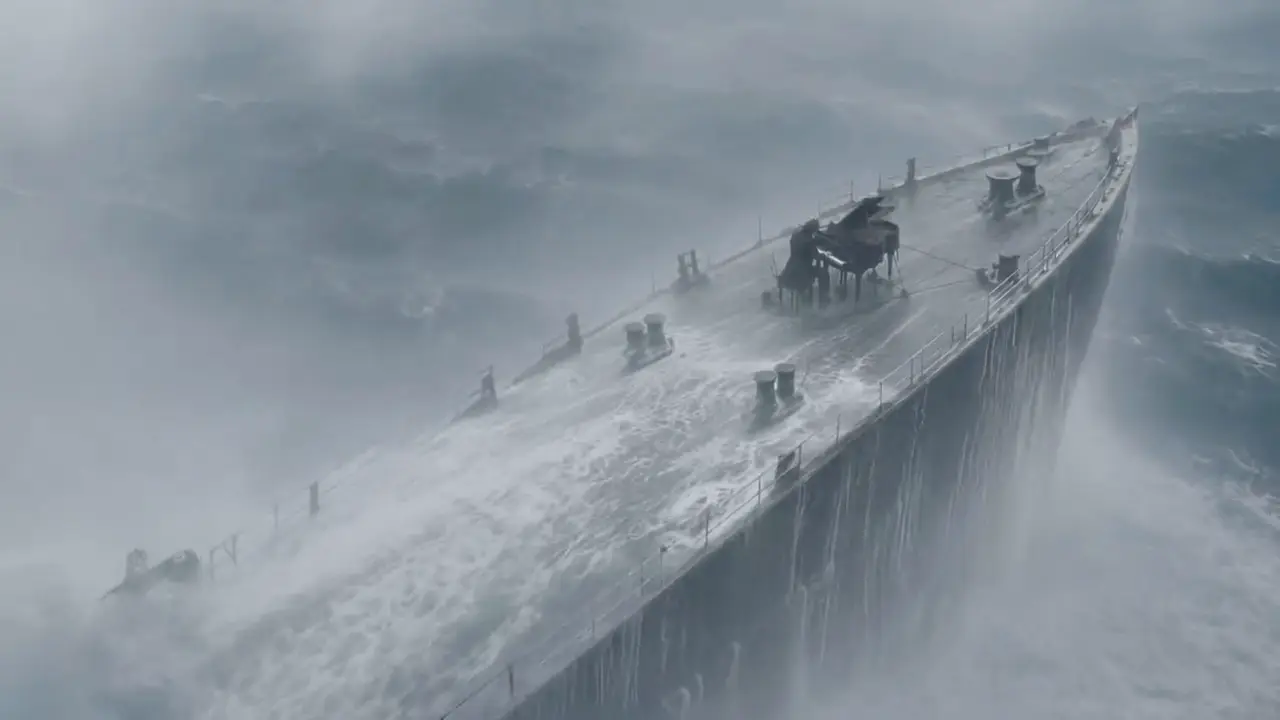
Kling 4.0, Kling 3.0 and Kling 2.5 Turbo accept an opening frame and an optional ending frame here. Kling 3.0 Turbo and Kling 2.6 use a single opening image.
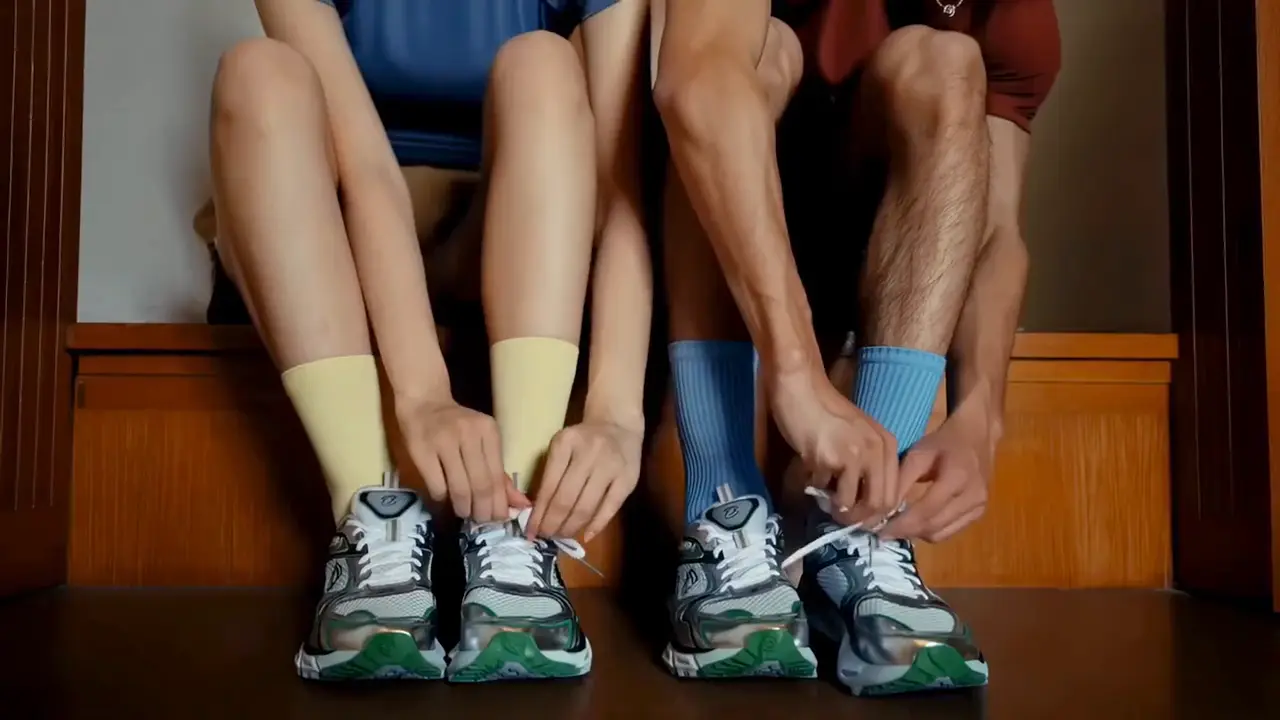
Choose Reference to Video and upload up to three images to guide a Kling 4.0 video. This page accepts image references; reference-video and voice-reference uploads are not offered. Upload only images you have permission to use.

Kling 4.0 generates native audio by default, and Kling 3.0 Turbo includes audio. Kling 3.0 and Kling 2.6 offer an audio switch; Kling 2.5 Turbo has no audio control in this API. Available options appear when you select a model.
Five Kling models
This table compares the five real Kling models and the settings offered by this generator. It is a feature and credit comparison, not a quality or speed benchmark. Kling 2.6 and Kling 2.5 Turbo share the final column, with their differences labelled.
| Feature | Kling 4.0 | Kling 3.0 Turbo | Kling 3.0 | Kling 2.6 / 2.5 Turbo |
|---|---|---|---|---|
| Typical use | Reference and frame control | Everyday video with audio | Optional audio and end frames | Short 5s / 10s clips |
| Clip length | 3-30s | 3-15s | 3-15s | 5s or 10s |
| Resolution here | 720p / 1080p | 720p / 1080p | 720p / 1080p | 2.6: HD; 2.5 Turbo: Pro |
| Start / end frames | Start + end | Start only | Start + end | 2.6: start only; 2.5 Turbo: start + end |
| Reference to Video | Up to 3 reference images | Not offered here | Not offered here | Not offered here |
| Audio | Native audio by default | Included audio | Optional audio | 2.6: optional; 2.5 Turbo: no audio control |
| Prompt limit here | 8,000 characters | 2,500 characters | 2,500 characters | 2,500 characters |
| 5-second charge | 129 credits (720p) | 82 credits (720p) | 91 credits (720p, audio) | 2.6: 50 (HD, no audio) / 100 (with audio); 2.5 Turbo: 38 (Pro) |
| Text-to-video ratios | 16:9, 9:16, 1:1, 21:9 | 16:9, 9:16, 1:1 | 16:9, 9:16, 1:1 | 16:9, 9:16, 1:1 |
| Available here | Available | Available | Available | Both available |
Charges shown use each model’s listed resolution and include audio where available. Turn audio off in Kling 3.0 or Kling 2.6 for a lower quote. Reference to Video is offered only for Kling 4.0; Kling 4.0 Flash is not in this generator. The selected settings and final site-credit charge appear before generation.
Workflow
Use Kling4.io in a desktop or mobile browser to choose a real Kling model, review its credit quote and create a video.
Choose Text to Video, Image to Video or Kling 4.0 Reference to Video. Describe the subject, action, camera and lighting. Image upload formats follow the selected model.
Pick a supported duration, resolution and aspect ratio. Audio is optional in Kling 3.0 and 2.6; other models have fixed audio behavior. The exact credit cost appears before you generate.
Generation time varies with the model, prompt and provider queue. Track the status, preview the result and download the MP4. Failed generations return the charged site credits automatically.
Use cases
Turn an idea or product image into a short video with a real Kling model. Choose the available duration, resolution and audio settings, then preview the result before publishing.

Turn a single packshot into a rotating hero shot, an unboxing or a lifestyle scene. Test three ad angles for Amazon, Shopify or TikTok Shop before paying for a photo shoot, then keep the winner.

Explore scenes, camera moves and visual moods before a shoot. Generate short clips for individual storyboard beats, then review them together to plan the sequence.

Create vertical 9:16 hooks for TikTok, Reels and YouTube Shorts. Choose a model with audio when needed, generate variations one at a time and review the strongest result.

Animate history scenes, science concepts and product tutorials that would be slow or expensive to film, and add narration in your audience's language with native audio.
Counts use Kling 4.0 at 720p for 5 seconds (129 credits) and round down to whole clips. Cost/sec = price ÷ included credits × 129 ÷ 5; annual plans use annual price and annual credits. This allocates value to every credit, including unused balances, rather than dividing the full price by whole clips. Other settings have different quotes. Subscription credits are issued monthly. Each batch expires 30 days after issue; unused credits do not carry over after expiry. Annual billing does not issue all yearly credits at once. One-time credit packs never expire.
Choose Subscription Plan
Perfect for individuals and light users
Billed $15.00 monthly
INCLUDES
For professional creators and teams
Billed $39.00 monthly
INCLUDES
Designed for large enterprises and professional studios
Billed $160.00 monthly
INCLUDES
To cancel your subscription, please contact support: support@kling4.io
FAQ
Models, supported inputs, site credits and using this independent platform.
Write one clear scene, choose text-to-video or image-to-video, and judge picture and sound together. Eligible Google signups receive free credits to use across our available video tiers, and there is nothing to install.