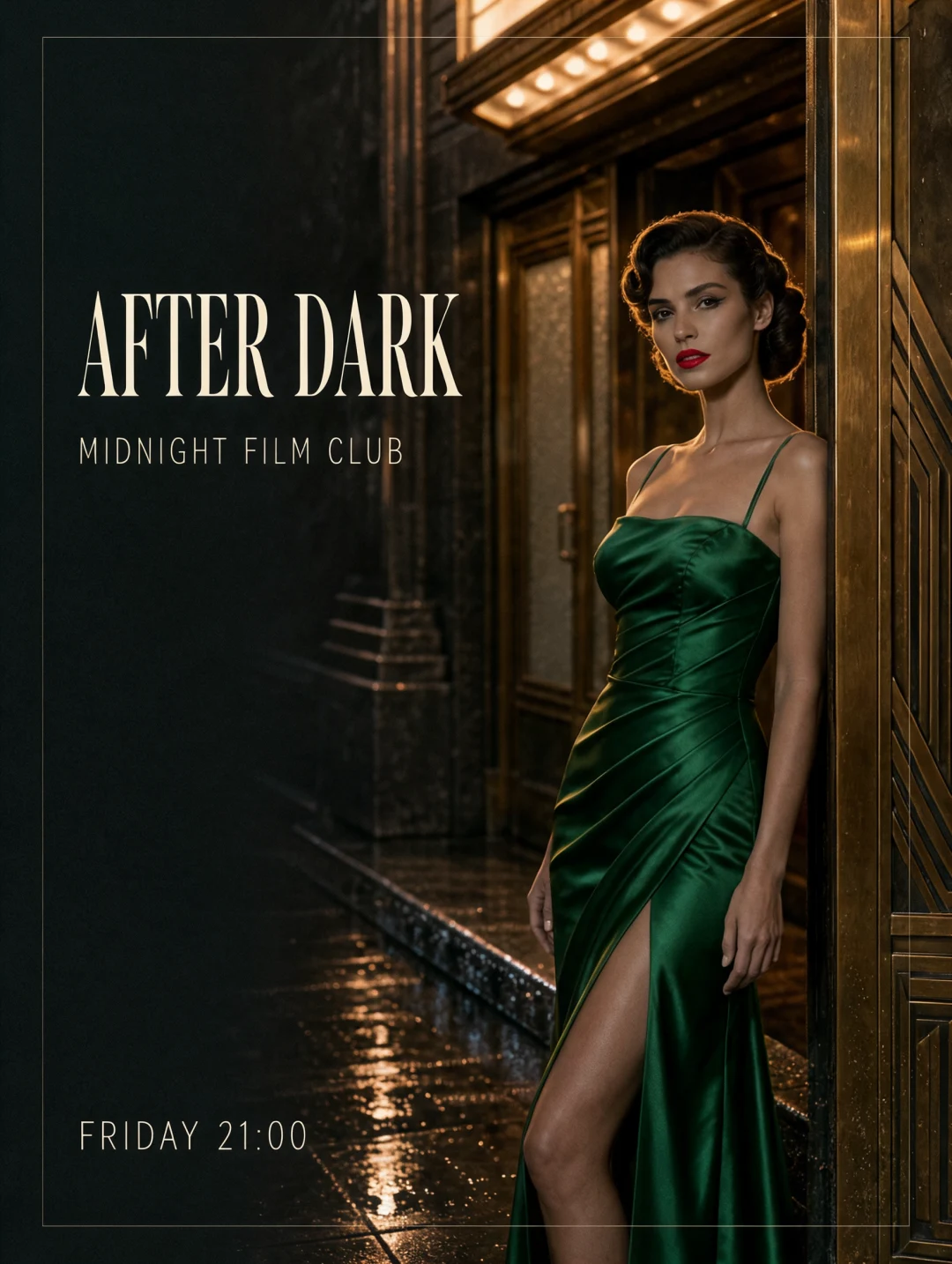
Put the exact words in the image
Kling Image 4.0 rendered the title, club name and screening time in this poster. Set the wording, position and size for each line, and check the smallest type at your final display size.
Create native 8K stills, design images with precise lettering, and plan a set of up to 10 related images from one prompt.
Start generatingKling Image 4.0 rendered the title, club name and screening time in this poster. Set the wording, position and size for each line, and check the smallest type at your final display size.
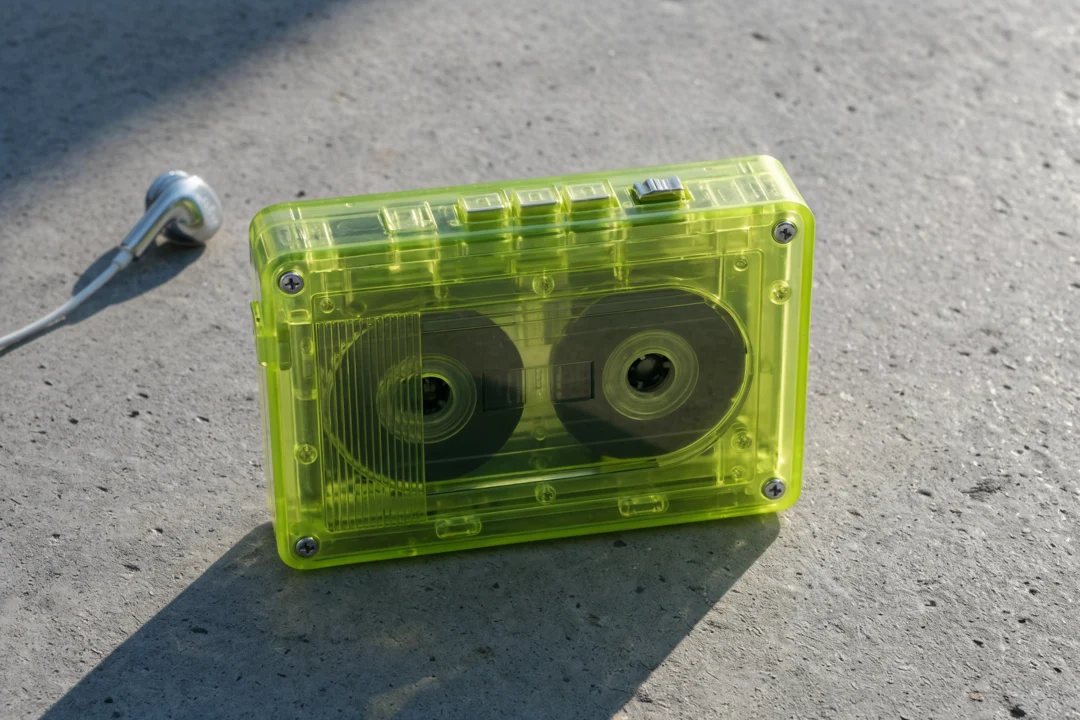
For a hero product shot, direct the lighting and list the materials you want to see close up. Preview the composition at 2K and choose 4K or 8K when you need room to crop or inspect small details.
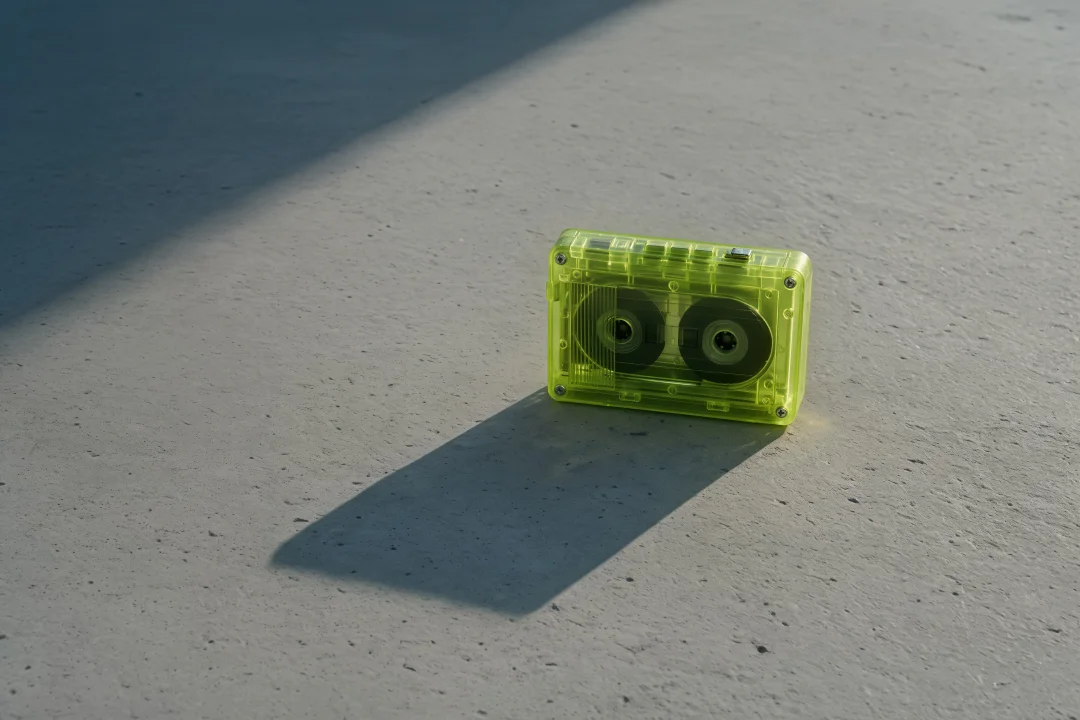
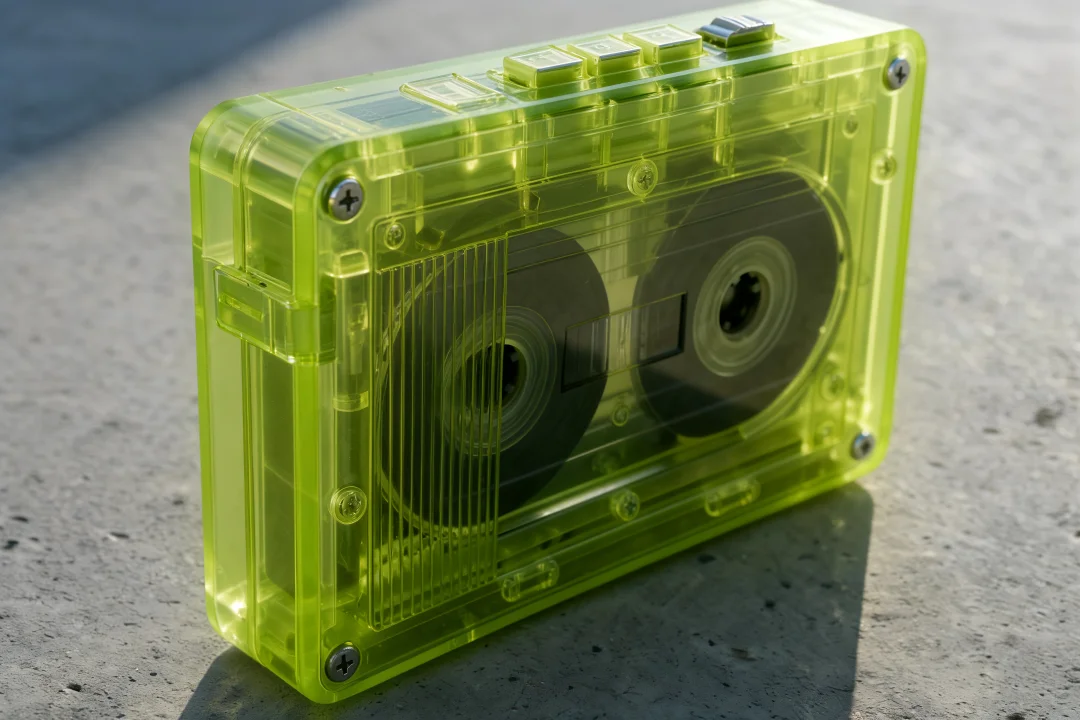
Kling Image 4.0 generated this 8K wide shot and close-up together from one reference image. The camera angle changes while the lime shell and cassette details carry through.
Name the subject, framing and light. For a poster or explainer, write the exact words and say where each line belongs.
Use a single still for a poster or keyframe. For a set, pick 2–10 images and outline the variation or story beat for each one.
Use 2K for a first pass. Choose 4K or 8K for larger exports and tight crops. Pick a ratio that fits the delivery format.
Add reference images if you have them. Review spelling at full size and check that subjects, materials and colors carry through each image in a set.
Start with a product reference. Ask for a clean hero frame, a material close-up and a lifestyle shot while preserving the package shape and label.
Break copy into a headline, short descriptions and a footer. State which line has priority and reserve high-contrast space for names, dates or prices.
Describe the character and setting once. Then specify a wide, medium and close view to plan the sequence before animating a selected frame.
Kling Image 4.0 is Kling AI’s still image model. It takes text or reference images and supports standalone images, coordinated series and a dedicated long-image workflow.
Kling AI documents native 2K, 4K and 8K output for standard images and image sets. Choose among eight fixed aspect ratios or let the model choose with Auto. Long images use a separate 1K or 2K workflow.
Series mode produces 2–10 related images from one brief. Identify the traits, product details or palette that should stay consistent and describe the unique framing or story beat for each image.
Kling AI specifies up to 2,000 characters in one image. It supports Simplified Chinese, Traditional Chinese, English, Japanese, Korean, Spanish and Portuguese. Proofread dates, proper names and any small text before publishing.
Kling AI documents up to 10 references for standard images and image sets. Give each reference a role such as subject, color palette, type style or composition.
One image without references costs 11 credits at 2K, 16 at 4K or 26 at 8K. The generator calculates the total for the selected resolution, output count and references before you submit. Failed jobs return the credits.
Sign in and use the generator on this page. To save the original, right-click the result on desktop or press and hold it on mobile.
Create a single image or a consistent set with Kling Image 4.0.